Written on November 13, 2026, while the incident was still being worked. Microsoft's status may have changed since. Check status.cloud.microsoft for the current position.
When Outlook and Teams are both down, how do you tell your people?
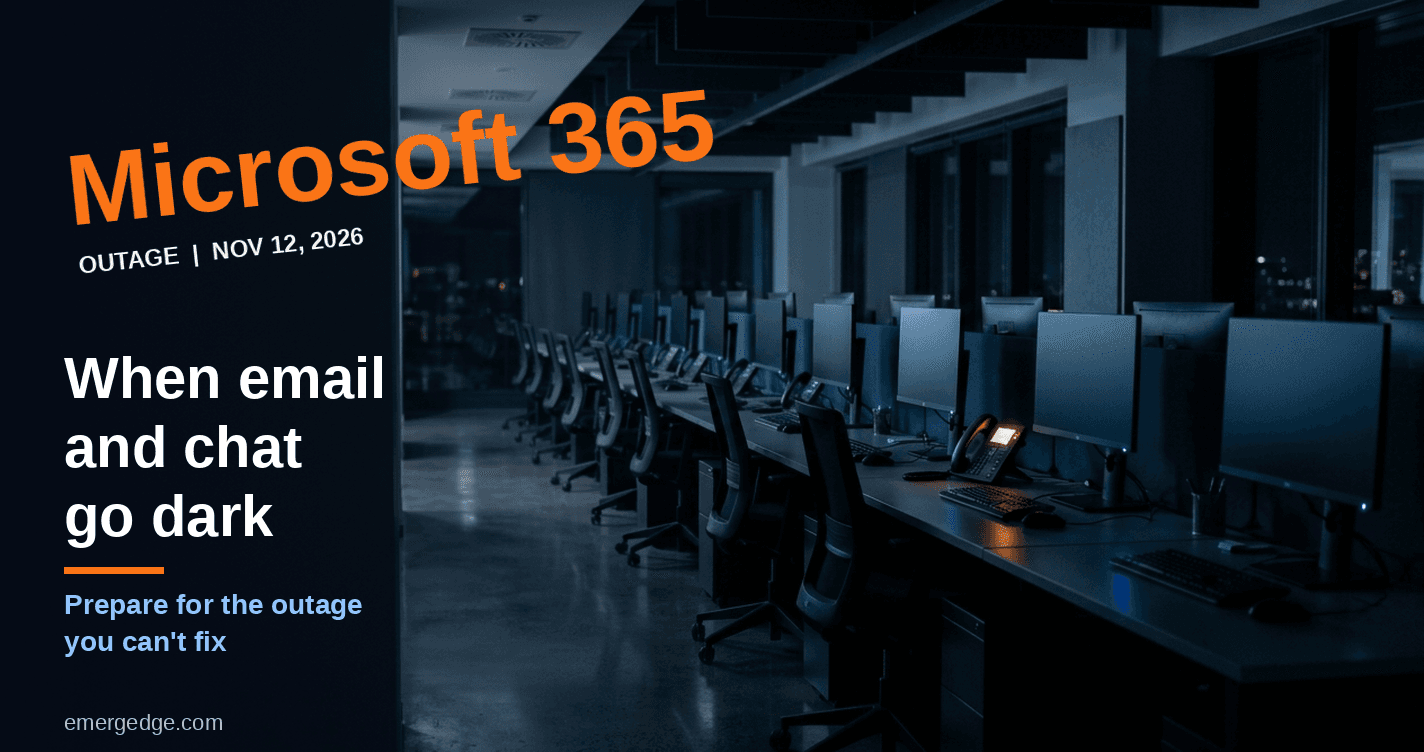
On November 12, 2026, a Microsoft 365 outage that started with Exchange Online mailboxes spread to Outlook, Teams, SharePoint, Copilot and parts of Microsoft Defender and Purview. Outlook problem reports on Downdetector passed 120,000 at the peak. At the time of writing, Microsoft had not declared the incident fixed.
This post is not a blow-by-blow account. Others are tracking the timeline. It is about what an outage like this means for the people who depend on the service, and how to prepare for one you cannot fix.
What Microsoft has reported
The incident began on November 12 at about 16:17 UTC, with users unable to open their mailboxes. Microsoft tracked it under two incident IDs: EX1550543 for Exchange Online and MO1550821 for the broader Microsoft 365 impact. A separate Teams incident earlier that day was resolved.
As Microsoft described it through its status updates:
- Servers failed internal health checks, and their work fell onto the servers that remained, which became overloaded.
- Restored servers became unresponsive again once traffic returned to them, so early recoveries did not hold.
- A core process on the affected servers became overwhelmed, specifically one responsible for establishing secure connections.
- Microsoft began reverting a recent network configuration change that correlates with the start of the impact.
- Microsoft says it is not a cyberattack.
What we do not know yet
The root cause. Microsoft's early updates changed as it learned more. At first it described elevated load across multiple regions, then said traffic had not increased, then pointed to servers failing health checks, and later to a process that was being overwhelmed. That is a normal pattern in a live incident, and it is also a reason to be careful about conclusions. A final answer belongs in Microsoft's post-incident report, which Microsoft publishes for incidents of this kind.
Reports also conflict on whether Azure was affected. This post does not include a claim either way.
The cause is Microsoft's to explain. The preparation is ours.
Nothing you change in your own tenant brings mail back when the fault sits in the provider's infrastructure. Switching clients does not help much either, since Outlook on the web, desktop Outlook, mobile mail and the REST API were all affected.
What you control is how quickly you find out, what your people hear, and what is ready when the service is not. In ITSM terms, this is availability and continuity management for a service you consume and do not run.
Five questions to answer for your own organisation:
1. If email and chat are down, how do we reach staff, and who sends the message? An email or a Teams post will not reach anyone. Agree an out-of-band channel in advance: SMS, a phone tree, or a status page hosted outside Microsoft 365.
2. Which business processes depend on Microsoft 365, and what is the manual fallback for each? Approvals, customer communication, incident escalation, meeting invitations and sign-in flows often run through the same tenant. Know which ones, and what people do instead.
3. Do our service desk and administrators see Microsoft's Service Health on a channel that is not Microsoft 365? Microsoft's status page, the admin app on a phone, and alerts sent to a non-Microsoft address all help. If your only alert arrives by Outlook, you will not see it.
4. What do our contract and SLA say, and who tracks credits and the post-incident report? Service credits are rarely automatic. Someone needs to own the claim and keep a copy of the report, since the history in Service Health is limited to a short window.
5. Have we tested any of this? A plan nobody has rehearsed is a document, not a capability.
During the incident, and after it
- Do not "fix" it locally. Resetting passwords, rebuilding Outlook profiles or changing tenant settings does not help with a provider-side outage, and it makes recovery noisier.
- Freeze your own changes. When service returns, you want to know that any new problem is not one you introduced.
- Warn users about phishing. Outages attract fake support messages. Tell people to expect them.
- Expect delayed mail, not lost mail. Messages queued during the outage should arrive once service is restored.
- After recovery, record the cost: which teams were affected, for how long, and what workarounds they used. That record is what makes the case for a backup channel.
What this means for IT leaders
A third-party outage is a test of preparation, not of the vendor alone. The organisations that handle it well are not the ones that avoid outages. They are the ones that already know how they will communicate, which processes need a fallback, and who owns the response.
The question to take away is simple. Which of the five answers above would you not be able to give today?
Sources: Microsoft 365 Status, Microsoft Service Health incidents EX1550543 and MO1550821 as reported on November 12–13, 2026; azureblog.co.uk, "Microsoft 365 outage, 12 November 2026"; Cyber Security News, "Microsoft 365 Massive Outage – Fixes Fail as Restored Servers Keep Going Unresponsive," November 13, 2026.